In this guide
Short answer: choose warehouse IP cameras by the area each camera must identify, not by resolution alone. A reliable design normally combines fixed cameras for permanent coverage, the correct lens for aisle or loading-bay distance, suitable night performance, PoE network capacity and an NVR sized for the required retention period.
Warehouse projects are often specified from a short request such as “4K cameras with night vision.” That is not enough to produce a dependable quotation. A camera looking at a doorway, a high rack aisle, a truck gate and an outdoor yard has four different jobs. The best result comes from turning the customer requirement into a camera schedule before selecting models.
1. Start with the warehouse security objective
Ask what the customer needs to see and what must happen after an event. General monitoring needs a wide, stable view. Evidence at a dispatch door may require a narrower field of view and enough pixels on a face, label or vehicle plate. A yard may need longer-range coverage, weather protection and a PTZ for operator-led investigation.
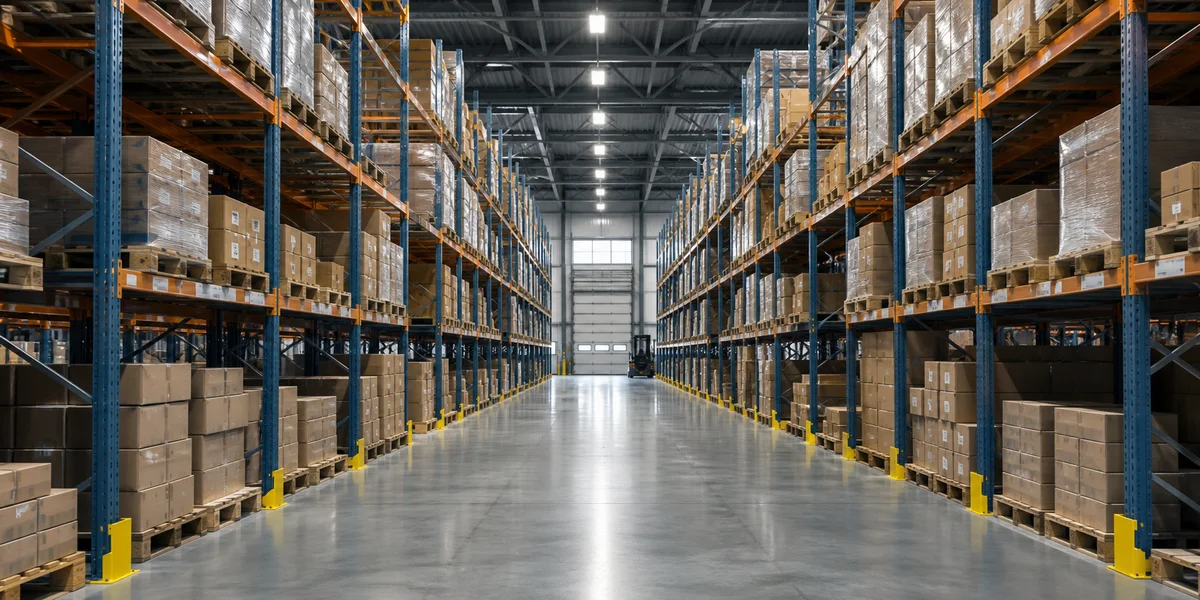
Common warehouse camera positions
- Goods receiving: cover the dock, vehicle approach and handover point. Avoid aiming directly into strong daylight without checking WDR performance.
- Loading and dispatch: use a fixed view for the transaction area. If vehicle identification is important, calculate distance and lens before choosing megapixels.
- Aisles: select a lens that fits the aisle width and camera height. A very wide lens may show more shelving but less useful detail at the far end.
- Perimeter and yard: confirm IP rating, mounting height, IR reflection risk and whether a fixed camera or PTZ is appropriate.
- Office and access doors: prioritize stable face-level views, controlled lighting and privacy requirements.
In factory testing and shipment inspection, the most useful question is not “Is this an 8MP camera?” but “At the planned distance, can the customer identify the required object in the expected light?”
2. Match resolution and lens to distance
Resolution describes the number of pixels available; it does not guarantee identification. Lens focal length controls how those pixels are distributed across the scene. A wide lens can be excellent for a small room, while a longer lens is more suitable for a doorway or a distant gate.
Prepare a simple camera schedule with camera ID, location, mounting height, target distance, target object, required lighting, lens type and recording mode. Share this schedule with the supplier before final quotation. It reduces the risk of a camera being technically impressive but poorly matched to the scene.
| Position | Evidence objective | What to verify |
|---|---|---|
| Loading dock | Review handovers and dispatch activity | Target distance, doorway contrast and unobstructed view |
| Rack aisle | Observe movement along the aisle | Lens, mounting height and detail at the far end |
| Vehicle gate | Review arriving and departing vehicles | Lighting, motion and dedicated identification requirements |
| Outdoor yard | Maintain coverage and investigate incidents | Fixed views, optional PTZ, weather protection and network |
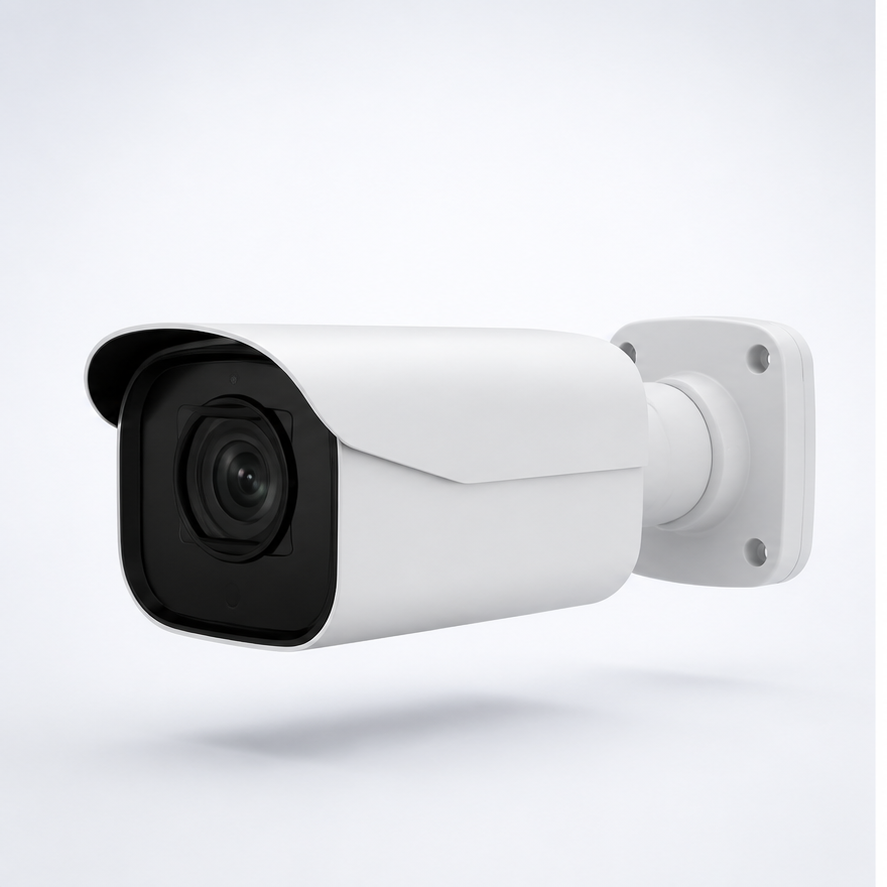
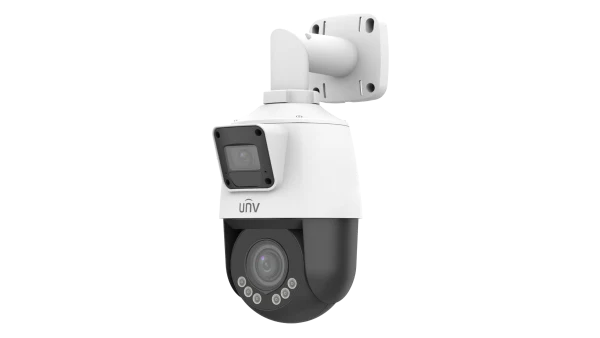
This is a planning template, not a surveyed installation or a guaranteed camera count. Start with IP camera options and compare fixed and PTZ camera roles for the yard.
Useful selection questions
- What is the farthest distance at which a person, carton, vehicle or label must be recognized?
- Is the target moving quickly, or is a stable view sufficient?
- Will the camera look through a doorway, across a yard or down a narrow aisle?
- Is the required detail available continuously, or only when an event occurs?
For a first quotation, avoid promising a universal “camera range.” Real performance depends on lens, lighting, scene contrast, installation height, compression and the customer’s evidence standard.
3. Check lighting before choosing night vision
Warehouse lighting changes during the day. Skylights, open loading doors, reflective floors and aisle shadows can create difficult contrast. A camera should be assessed in the actual application, not only in a catalog image.
For outdoor or semi-outdoor positions, check IR range as a planning reference rather than a guarantee. IR can reflect from nearby walls, roof edges, dust or rain. WDR can help with bright entrances, while low-light performance and sensible exposure settings matter in dim aisles.
4. Plan the PoE network and NVR together
PoE simplifies installation by carrying data and power over Ethernet, but the switch still needs enough total power budget and uplink capacity. The NVR must support the camera count, incoming bandwidth, recording resolution and the required decoding or playback workload.
For each camera, record the expected stream bitrate rather than using only megapixels. Then check the total camera bitrate, switch uplink, NVR incoming bandwidth and storage. Leave practical headroom for stream changes, firmware differences and future expansion.
Installation preparation should include cable routes, rack location, grounding and surge protection where appropriate, camera service access, NVR ventilation, time synchronization and a clear camera naming convention. These details are often more important to daily operation than a small difference in headline resolution.
Need a warehouse camera schedule?
Send us the floor plan, camera count, target distances and required retention period. We can prepare a model shortlist and quotation for review.
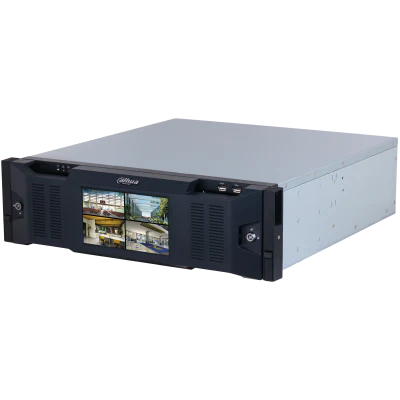
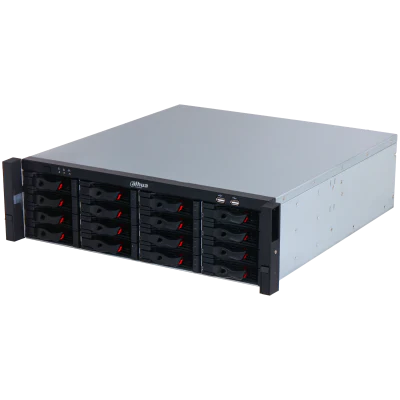
Use our 24/7 NVR storage calculation guide to estimate the required recording capacity and compare NVR options against the complete camera schedule. If compatible existing cameras already provide usable views, an AI analytics upgrade may address selected event-detection needs without a complete hardware replacement.
5. Consider maintenance and shipment inspection
Before shipment, a professional buyer should confirm model, lens, accessories, firmware region, labeling, packing and sample testing requirements. For a larger order, request a clear inspection checklist: image output, network access, night mode, WDR behavior, PoE start-up and NVR compatibility.
After installation, record the final camera view and settings. A camera that is moved during maintenance can silently create a blind spot. Keep a commissioning record with serial numbers, IP plan, mounting location and test results.
Frequently asked questions
How many cameras does a warehouse need?
There is no safe answer from floor area alone. Count entrances, docks, aisles, high-risk storage, offices and perimeter zones, then check the required detail and blind spots. A floor plan is more useful than a square-metre rule.
Are 4K cameras always better for warehouses?
Not always. 4K can provide more pixels, but lens choice, lighting, bitrate, installation height and storage also determine evidence quality. A correctly positioned lower-resolution camera can outperform a poorly positioned 4K camera.
Should I use Wi-Fi cameras?
For commercial warehouses, wired PoE is normally easier to manage for continuous recording and predictable connectivity. Wireless may be suitable for temporary, remote or difficult-to-cable positions after a site survey.
Do I need both fixed and PTZ cameras?
Many larger sites benefit from both. Fixed cameras maintain continuous views of critical zones, while PTZ cameras provide reach and investigation when an operator needs to follow an event.
Conclusion
A warehouse IP camera system should be designed around evidence, lighting, distance, network capacity and operating procedures. Build the camera schedule first, validate a sample view, confirm PoE and NVR capacity, and document shipment and installation checks. This approach gives the importer or integrator a quotation that can be explained and supported after delivery.
Send your warehouse requirements
Tell us the site type, camera locations, target distance, preferred brands, quantity and recording days. US Vision can help you compare suitable IP cameras, PTZ cameras and NVR options.
Key takeaways
- Define what each view must capture at doors, docks, aisles and yards before selecting cameras.
- Match lens, distance and lighting to the required evidence; megapixels alone do not establish identification quality.
- Plan PoE power, total bitrate, recorder capacity and retention as one system.
- Record final views and settings, and recheck coverage after maintenance or layout changes.
About the author: This article is published by the US Vision team. Contact us with questions about the information or your project requirements.